

Recycling Centre Staff Training · Virtual reality
Train recycling centre staff through practice.
Check access, choose the right destination for a waste item and review mistakes: give your staff practical decisions to make in a virtual recycling centre.
Created in collaboration with Nicollin.
RecyclageVR offers three professional modules, a training mode and an assessment mode. Use them to build training sessions and discuss the decisions made.
Three workplace situations
Observe, decide and direct waste.
Each module covers one part of the recycling centre workflow, using the guidelines chosen for the session.
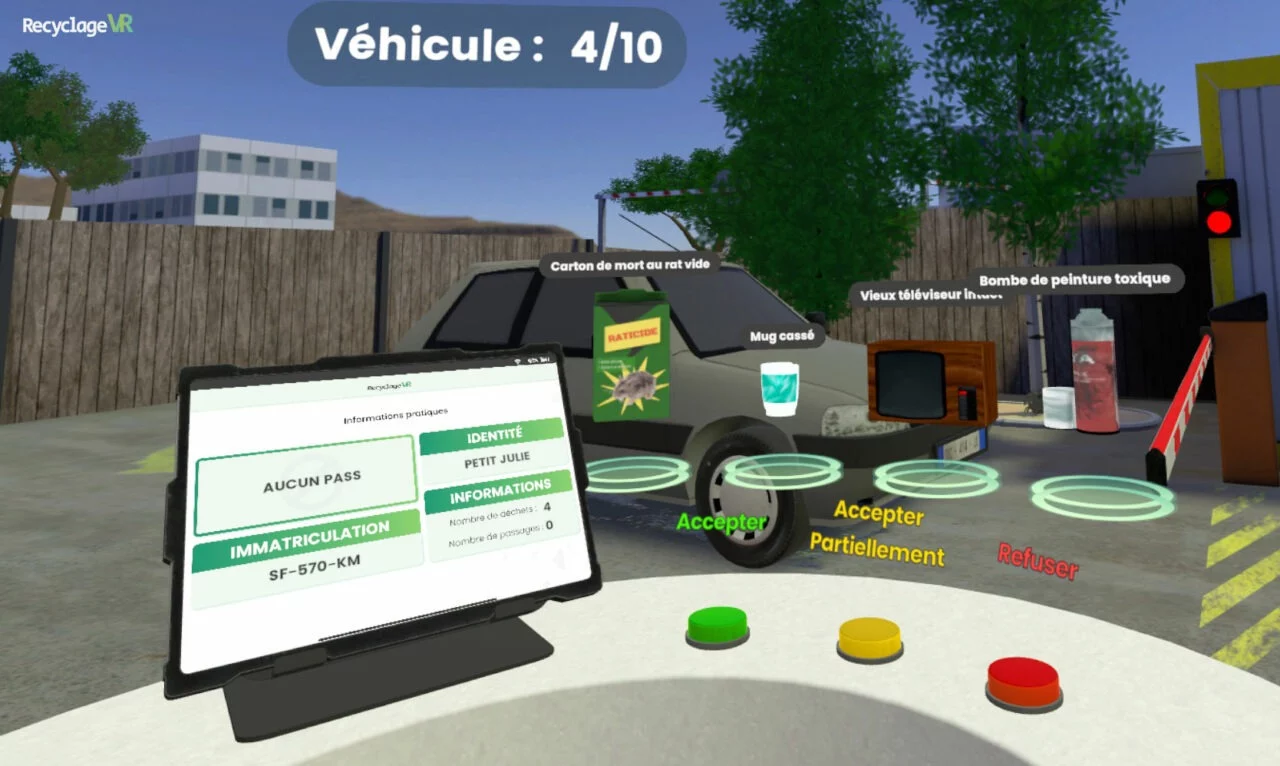
Check access
Examine the information presented at the entrance and the waste brought in. The agent chooses to allow, partially allow or refuse access according to the scenario.
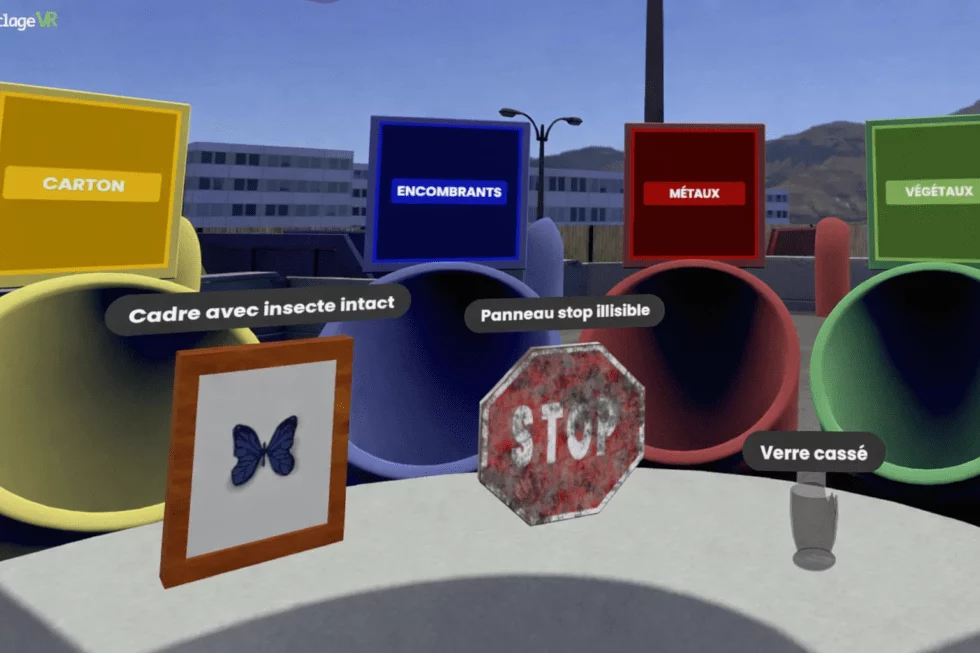
Sort at the unloading area
Pick up virtual waste items and place them in the appropriate containers. Each choice receives feedback.
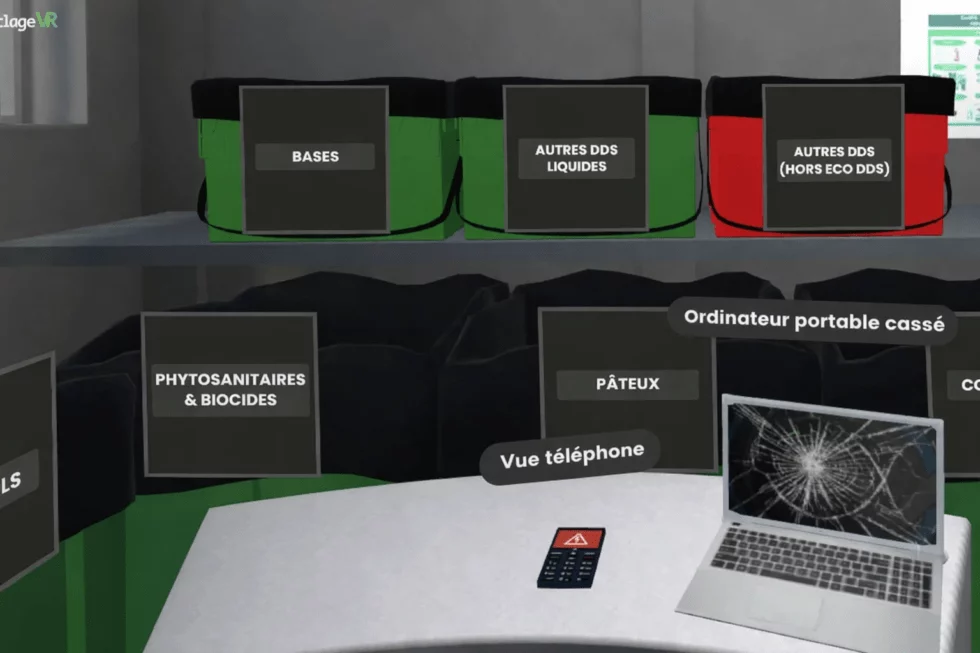
Identify routes for specific hazardous waste
Practise classifying the waste items in the module for specific household hazardous waste (DDS), using its containers and guidelines.
Training and assessment
Practise a module, then review the results.
Practise a scenario
Training mode lets you select a module and continue practising until you return to the selection screen. You can focus a session on access checks, the unloading area or DDS.
Review the answers
Assessment mode runs through the modules enabled for the session. The summary shows correct decisions, mistakes and results by module, providing a practical basis for a debrief with the trainer.
Your organisation
Build a session that serves your teams.
Enabled modules, waste items and sorting assignments can be configured. The trainer can launch training, start an assessment or stop a session from the experience controls.
Tell us about your staff’s responsibilities, your guidelines and your equipment. Together, we can review the right setup and how virtual reality fits into your training programme.
To prepare your demonstration
- The situations you want your staff to practise.
- Your recycling centre’s guidelines and waste streams.
- Participant numbers and session organisation.
- The headsets and supervision you have available.
Explore the training with your own objectives in mind.
Let’s discuss the situations to practise and how your teams will use the experience.